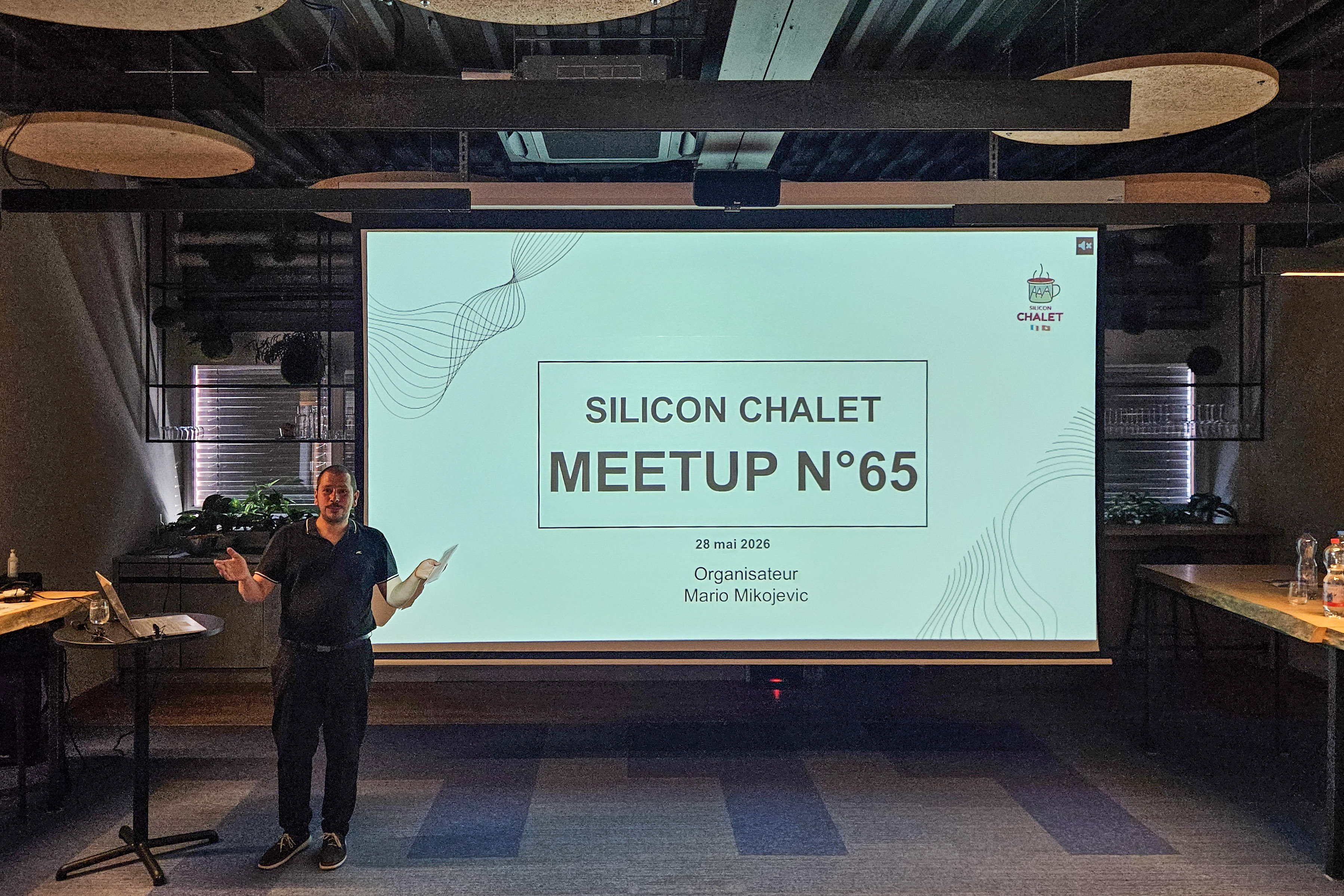
Silicon Chalet #65 in Puidoux connected two technical topics through a broader question: how much autonomy can we give to our systems before control becomes the real issue?
David Diab spoke about securing web and application servers, from the operating system up to the application layer. Michael Atkinson spoke about productivity with AI, coding agents and multi-model workflows.
The two talks could be read separately. Taken together, they were about the same thing: what happens when powerful systems are exposed to the real world without enough discipline around them.
That applies to an application server connected to the Internet. It also applies to an AI agent that can read files, modify code, run tools or push work into a delivery pipeline.
The first warning came from security
The security talk started with a reminder that is easy to underestimate. Many attacks are not sophisticated in the way people imagine. They exploit known weaknesses, public CVEs, exposed administration consoles, default credentials, noisy HTTP headers, excessive permissions, or old components left in production.
Two numbers framed the issue: 44% of incidents exploit known vulnerabilities, and 60% of those vulnerabilities already have patches available.
That changes the nature of the discussion. If a patch exists, the question is no longer only technical. It becomes organizational: why was the system still exposed?
The concrete case made that point hard to ignore. A JBoss EAP 6.5 environment, published in 2015, was still running with nearly 200 known CVEs. It had 13 nodes, was exposed through a reverse proxy, had access to databases, document management systems and several internal APIs, and still exposed its administration console.
The attackers did not need much imagination. They identified the technology, found the version, matched it with known CVEs, reached the administration console, used weak credentials such as admin/admin2016, deployed a malicious application, obtained shell access, extracted XML configuration files containing secrets, moved laterally, encrypted backups first, and then encrypted databases.
The result was 15 days of application unavailability, data extraction, stolen documents, legal notification duties, reputational damage, and fines.
This is where the topic stops being “server hardening” and becomes a management concern. The cost is carried by the organization, not only by the infrastructure team.
Then the AI talk made the same point differently
Michael Atkinson described a path many developers will recognize.
At first, AI feels like acceleration. You move from manually writing code, searching Stack Overflow and copying snippets, to asking ChatGPT, then using Copilot, then using tools such as Claude Code that can see and modify the project directly.
The early gains are real. A feature touching an application, an API and a website can be implemented across several components. A non-developer can generate a small HTML game or adapt exercises from existing documents. Code, documentation, diagrams and prototypes suddenly feel much cheaper to produce.
But that is not the end of the story.
When producing output becomes easy, reviewing and deciding become the scarce skills.
That part of the talk felt very concrete. Michael mentioned several terminals running in parallel, tasks started and forgotten, permission prompts interrupting the flow, and the need to detach the work from a personal laptop. His answer was to move the setup to a dedicated server, keep the code under control, use GitHub as the exchange point, and create a web interface where each project is attached to a repository and each AI task can be followed, reviewed, and merged.
In other words, the problem moved from “can the AI write code?” to “how do we organize the work so that we can still understand and trust the result?”
A useful AI workflow looks more like a delivery pipeline
One useful slide showed a task workflow:
- brainstorming
- architecture
- development
- review
- tests
- security
- documentation
That sequence is more than a productivity pattern. It is a way to keep control.
Each step has a different purpose. Each step needs different context. Some steps need a stronger model. Others need a faster or cheaper one. Some steps can run with limited autonomy. Others need a human decision before anything moves forward.
This is where the idea of “harness engineering” becomes useful. The prompt is no longer the whole story. The environment around the model matters just as much.
In the talk, the progression was clear:
- prompt engineering: asking better questions
- context engineering: controlling what the model can see
- harness engineering: designing the full environment around the LLM
That environment includes tools, memory, permissions, evaluation, tracing, orchestration loops and review gates.
The multi-model approach follows the same logic. A costly reasoning model can be reserved for architecture, security or design decisions. A general-purpose model can handle implementation and day-to-day changes. A cheaper, faster model can handle formatting, parsing and simple lookups.
The point is not to use more AI everywhere. It is to use the right level of autonomy at the right moment.
Where the risk actually shows up
The security talk and the AI talk used different words, but the same practical pattern appeared in both.
In infrastructure security, you reduce what is exposed. You disable unnecessary administration consoles. You remove default applications and pages. You hide versions and verbose headers. You avoid full profiles when a minimal profile is enough. You segment the network. You rotate secrets. You apply least privilege. You also supervise non-production environments, because test databases often contain recent production data.
In AI workflows, the same discipline appears in another form. You reduce what each agent can see and do.
You do not give every agent the whole repository, all previous discussions, every test output and every permission. You give it the slice of context it needs for the task.
The slide “Each agent, just what it needs” captured this well. An agent doing an OWASP audit of a pull request needs the diff, the repository security policy and the task title. It does not need the initial brainstorming, the whole architecture discussion, or unrelated test and documentation context.
That is not only cheaper in tokens. It is safer.
Tools such as RTK and Serena were presented in that spirit. RTK filters, aggregates, compresses and measures shell interaction. Serena allows the agent to retrieve the symbol or code section it actually needs instead of reading thousands of lines.
This is very close to reducing the attack surface of an application server. Less unnecessary exposure, less unnecessary risk.
The part teams should take seriously
The most interesting part of the AI presentation was not that the tools can generate code. That is already expected.
The interesting part was that AI also reproduces familiar engineering risks, sometimes faster and with more confidence.
Michael mentioned examples that should make teams cautious: an agent removing a UUID parameter from an endpoint and breaking a protection mechanism, confusing files while running shell commands, creating wrong symbolic links, or using destructive commands in the wrong place.
These are not exotic AI failures. They are the kind of mistakes a junior developer can make, and sometimes a senior developer too. The difference is speed, scale, and the polished surface of the output.
That is why review does not disappear. It happens earlier in the process and becomes more intense.
Architecture, scoping, security review, test design and merge decisions remain human responsibilities. The human role changes, but it does not vanish.
Where to start
A practical starting point is to ask a few direct questions.
For exposed systems:
- What is actually exposed to the Internet?
- Which administration consoles are reachable, even indirectly?
- Which known CVEs affect our current versions?
- Where are secrets stored, and are they still in configuration files?
- Do non-production environments contain production-like data?
For AI-enabled delivery:
- Which tasks are allowed to run autonomously?
- Which tasks require human review before merge or deployment?
- What context does each agent really need?
- Which model is appropriate for each stage of work?
- How do we trace, evaluate and stop an agent that goes in the wrong direction?
The two lists belong together.
Security teams and AI teams are increasingly dealing with the same problem: granting enough autonomy to be useful, while keeping the ability to understand, limit and recover.
Practical conclusion
The evening avoided the usual extremes.
The security talk was not fearmongering. It was a practical reminder that many incidents still exploit ordinary weaknesses that should have been fixed.
The AI talk was not hype. It showed real productivity gains, but also the friction, forgotten tasks, destructive mistakes, review pressure and workflow design needed to make AI operational.
The practical lesson from Puidoux is not to fear autonomy, but to take seriously the systems that must surround it.
Autonomy is useful only when the control system around it is strong enough.
That applies to application servers. It applies to AI agents. And it applies to any organization trying to move faster without becoming more fragile.
Thanks to Silicon Chalet for the event, to Arcanit for hosting and sponsoring the evening in Puidoux, and to David Diab and Michael Atkinson for two very concrete presentations.